Promoted Education Partner
Sponsored Announcement - 728x90 BannerLangGraph in 2026: Or, How I Learned to Stop Worrying and Love the DAG
Amit Sadaphal
January 18, 2026
0
0
10

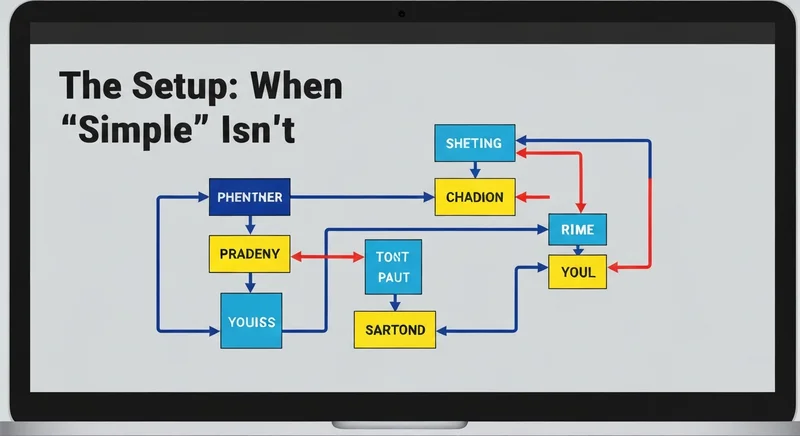
The Setup: When "Simple" Isn't
So, LangGraph. The promise? Complex agent workflows, easy to manage. Reality? I spent a week trying to get a "simple" question-answering bot to reliably decide when it was done asking questions. I was promised a walk in the park, but instead, I got a thorny briar patch. I figured, graphs, right? I know graphs. I've been doing Dijkstra since before you were born... This isn't graphs; it's distributed graphs with LLMs, which means it’s 10x the headache.
First Blood: The Infinite Loop of Doom
My first attempt? Epic fail. I created a loop where the agent kept asking the same question over and over again. The LLM's 'decider' node was flipping between 'ask question' and 'rephrase question' constantly, burning tokens faster than a crypto bro in 2021. The logs were a swirling vortex of identical prompts, and I was contemplating chucking my laptop out the window. Turns out, my exit condition was about as useful as a screen door on a submarine. It needed more explicit state management.
My initial naive attempt (DO NOT DO THIS)
1# Broken exit condition
2if last_question == current_question:
3    return "exit" #NOPE
4
5# Slightly less broken exit condition using state
6if state["num_questions_asked"] > 5:
7 return "exit"Tech & Certification Partners
Sponsored Resource - 300x250 DisplayThe Async Abyss: When Everything Happens At Once
Then came the asynchronous execution. I thought, "Oh, this will be great! Concurrency!" What I didn't realize is debugging async LangGraph code is like herding cats during an earthquake. Everything is happening at once, states are changing, and you're trying to trace a request through a tangled mess of callbacks. I ended up adding logging statements every freaking where just to get a handle on the execution flow. And even then, I was mostly guessing.
Production Woes: The API Limit Strikes Back
Deployment. Ah, yes. It worked great in my little test environment, querying a limited dataset. Then I threw it into production, pointed it at the full knowledge base, and BAM! API rate limits hit harder than a ton of bricks. The LangGraph, being the chatty beast it is, was making hundreds of requests per user interaction. I had to implement aggressive caching and queueing to even keep the thing running. It wasn't pretty. I used Redis. I still not use Redis.
Absolutely terrible rate limiting code. Do not copy.
1#Basic rate limiting - DO NOT USE IN PROD
2import time
3
4last_request_time = 0
5def call_api_with_rate_limit(api_call):
6    global last_request_time
7    time_since_last = time.time() - last_request_time
8    if time_since_last < 0.1: #10 requests/second
9        time.sleep(0.1 - time_since_last)
10    result = api_call()
11    last_request_time = time.time()
12    return result
The Verdict: Is It Worth It?
So, LangGraph. Would I use it again? Maybe. If I absolutely needed complex agent workflows. The learning curve is steep, the debugging is a nightmare, and production is a constant battle against API limits. But, when it works, it works. Just be prepared to bleed a little (or a lot) getting there. And for god's sake, test your exit conditions.
Tags
About Amit Sadaphal
10 views
0 shares
Trending
Promoted Education Partner
Sponsored Announcement - 728x90 Banner